


















 Ramon Trochez



Clean HTML
Hand-built table markup. Nothing that trips a spam filter.
You, in motion
Every email you send and every card you hand over moves, matches and carries your face. One profile renders all of it. Build it in the browser, watch it come alive, pay when you want to keep it.
|
Build it and watch it move before you pay · Signature, card, QR and vCard from one profile · Plans from $2 a month, or $9 once

Your photo flies in.

Your logo writes itself on.



Your links pop into place.
50 frames a second, on the card's own surface. Every piece is transparent, so it takes the colour your card is painted, dark mode included.
You fill this in once, in the builder. Every surface here is rendered from it, and none of it is ever typed twice.
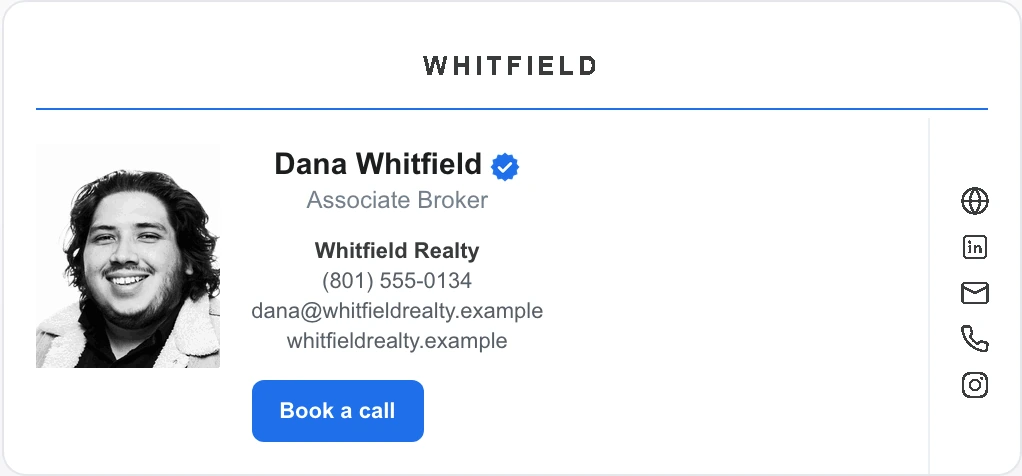
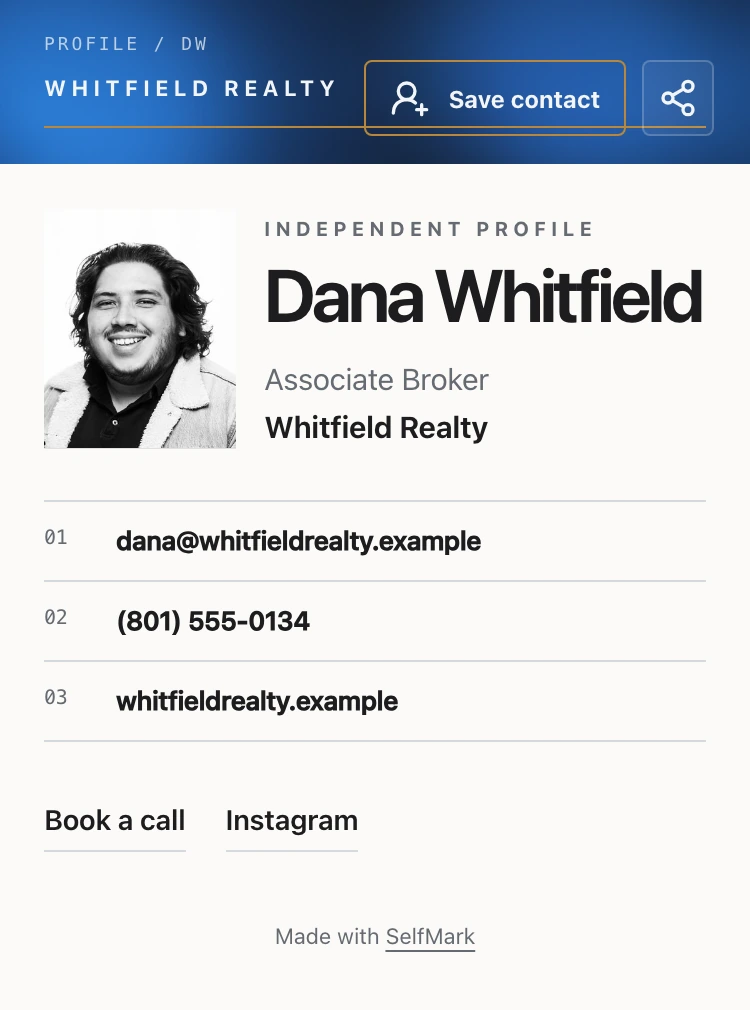

Seven hand-built designs. Every one of them is live in the builder, rendering with your photo, your logo and your brand color. Every template is also a card theme, so your card and your signature match.
|
|
 |
Photo strips fly in on the diagonal.
Build this one |
|
|
A ring draws itself around you.
Build this one |
||||||||||
 |
|
|
||||||||
Your logo on the marquee.
Build this one |
|
No photo? Your initials carry it.
Build this one
|
Your first name, handwritten as you watch.
Build this one
|
|
 |
One whole portrait with a brand border drawing around it.
Build this one
|
A quiet card with a live dot beside your name.
Build this oneSend the link or hold out the code. Whoever you handed it to opens your card, presses one button, and you are in their phone before the conversation restarts.
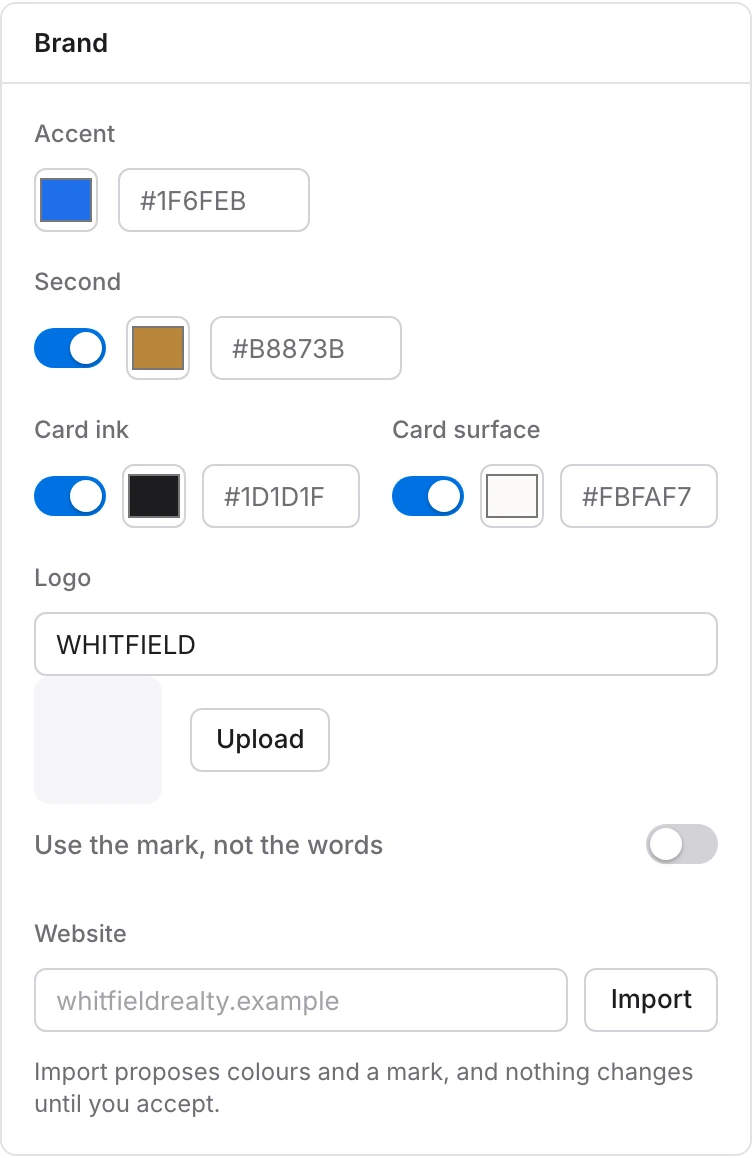
Paste the address of your website. SelfMark reads that one page for your colours and your mark, draws your own card in what it found, and changes nothing until you press Use these.
Signature views, clicks, card opens and saves, in one place, with a switch for the last 7, 30 or 90 days.
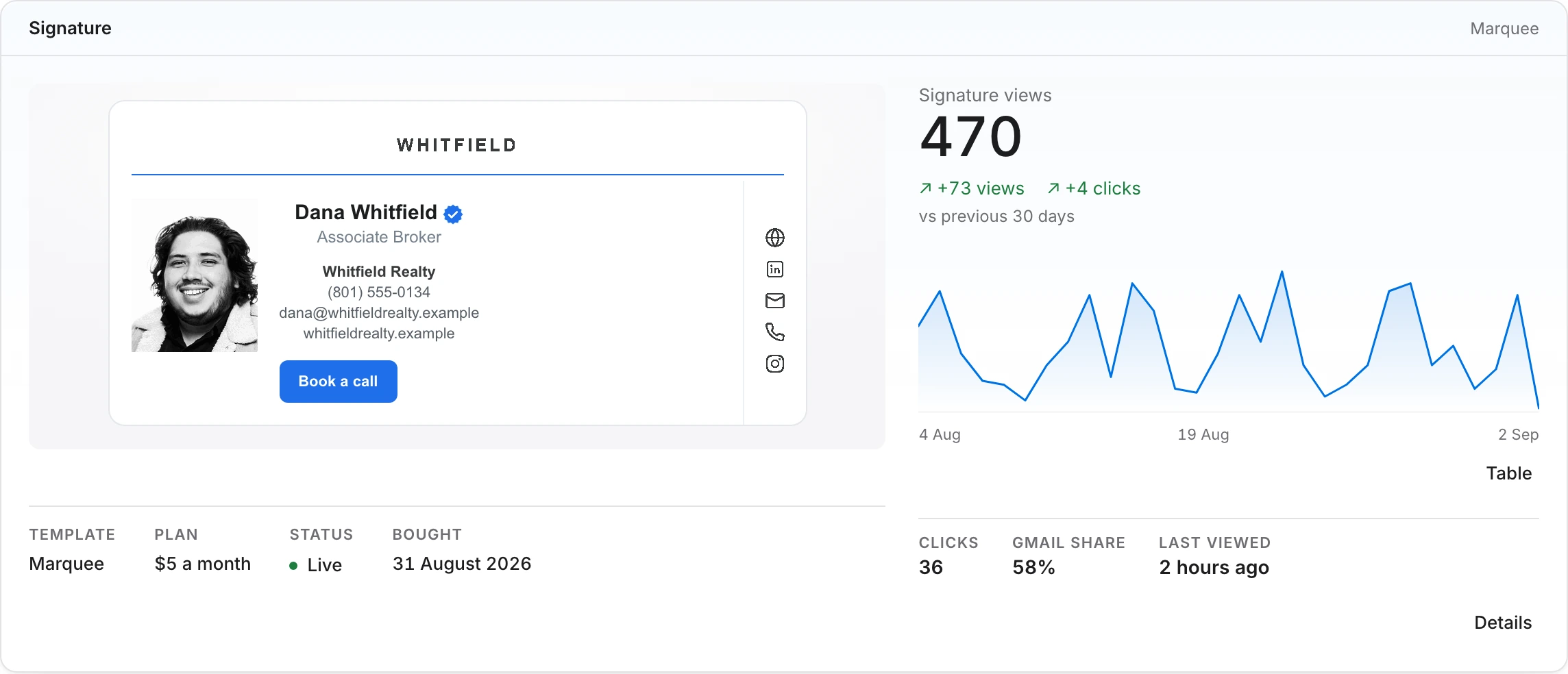
Views come from the same image request every mail client already makes to show your signature. Visitors are hashed; you see totals, never people.
Pick a template and type. Upload a photo and the builder finds your face and frames it. The card moves while you work, and nothing has asked you for a card number.
Plans from $2 a month, or $9 once for the signature on its own. Your signature renders for real in about a minute, and on every other plan your card goes live at the same time.
One copy and paste for Gmail, Outlook, Apple Mail or Zoho. Or connect Gmail and SelfMark installs it for you.
Hand-built table markup. Nothing that trips a spam filter.
No read receipts either. Every image in your signature is a visible part of the card, and your view count is those images being fetched, nothing more.
We host every image. Your signature stays live as long as your plan does.
Inboxes that freeze motion, like Outlook desktop, show a crisp still of your finished card.
Building is free. This is what it costs to keep.
Plans from $2 a month, or $9 once. Membership is $39 a year and keeps everything current.
No. You build the whole card and watch it move first. Payment is the last step, and it happens inside the builder once there is something you want to keep.
Gmail, Apple Mail and most webmail play it. Outlook desktop shows a crisp still of your finished card.
A photo of you, your logo if you have one, and your details. Mono, Script and Pulse need no photo at all.
Building takes as long as you like. From checkout to your finished signature is about a minute.
One copy and paste. You get a personal install page with steps for Gmail, Outlook, Apple Mail and Zoho.
Anytime. Your signature stays live while your subscription is active, since we host the animation for you.
No read receipts, and no tracking pixel: every image in your signature is a visible part of the card. We host those images, so a mail client asks our server for them when somebody opens your mail. Your dashboard counts those same requests as views, with the browser behind each one scrambled by a key we throw away at midnight, so what you get is a total and a trend and never a report on who read what. Privacy says exactly what it holds.
Yes, from the same purchase. It lives at /@your-name, it carries a QR and a vCard, and it is the same template your signature wears. You pick the address and you can change it later.
Only if you show it. Your phone number is hidden by default, every field on the card has its own switch, and a hidden field is not in the page, not in the vCard and not in the meta tags.
Edit your card anytime from the app, and it updates as soon as you save. Your signature is a rendered file rather than a live page, so that one is rebuilt from its own screen when you change your photo or your template.